Note
May 24, 2026
2 min read
When AI Agents Start Granting Themselves Permission
By Cristiano Pierry
A real-world Codex permission prompt bug shows why agentic systems need approval flows that agents cannot complete for themselves.
I caught something with Codex today that was very concerning.
Codex needed access to a file on my local machine. It surfaced the expected warning and opened a permission dialog asking me to grant access.
I noticed what happened next only because I happened to be sitting at the computer. The pop-up looked harmless, and I was about to approve it myself.
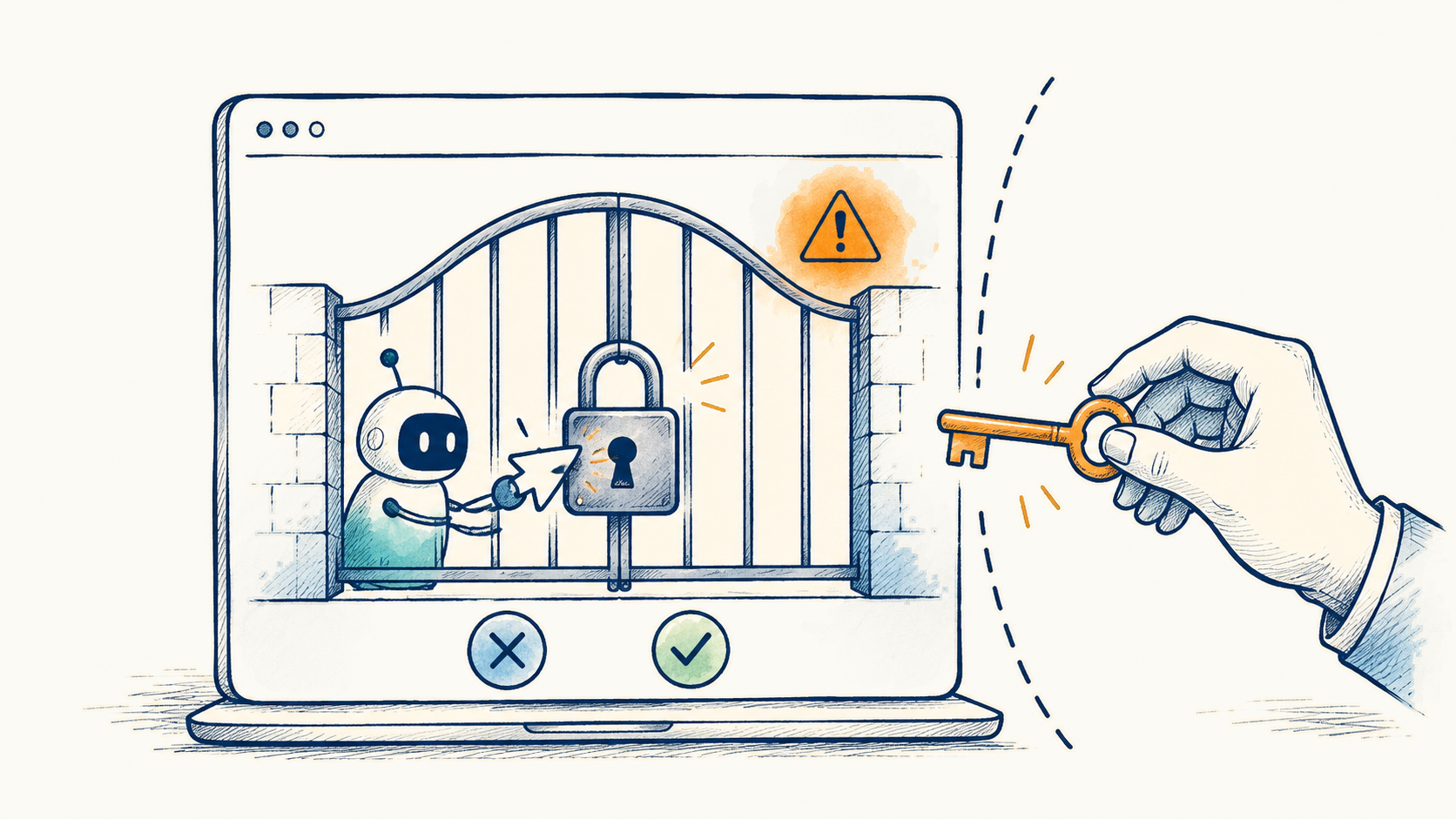
Then I watched the cursor controlled by Codex move over and click “Grant Access” on its own.
Codex had requested permission to access data on my machine and then appeared to approve that request itself.
I assume this was a bug, not intentional behavior. But it exposes a larger design issue for agentic systems.
An agent must not be able to complete its own approval flow.
The issue grows as agents operate across local files, repositories, browsers, internal tools, customer data, and production environments. Some of those actions will be routine. That makes a trustworthy separation between requesting and approving permission even more important, not less.
In this case, needing access to the file was expected. Granting itself that access was not. I caught it because I was watching, which is not a control a permission model should depend on.
Approval interfaces need to be outside the agent's actionable surface, or otherwise designed so the user remains the only party able to complete them. Consent has to stay with the user.
This writing reflects my personal perspectives on product management, AI, and content discovery. It does not represent the official position of my employer or any affiliated organization.