Article
November 14, 2026
5 min read
Do I Still Need an Always-On Mac?
Cloud computers can handle coding and research tasks while my Mac sleeps, but local files, Mac apps, browser access, and long-lived processes may still give a Mini a role.
By Cristiano Pierry

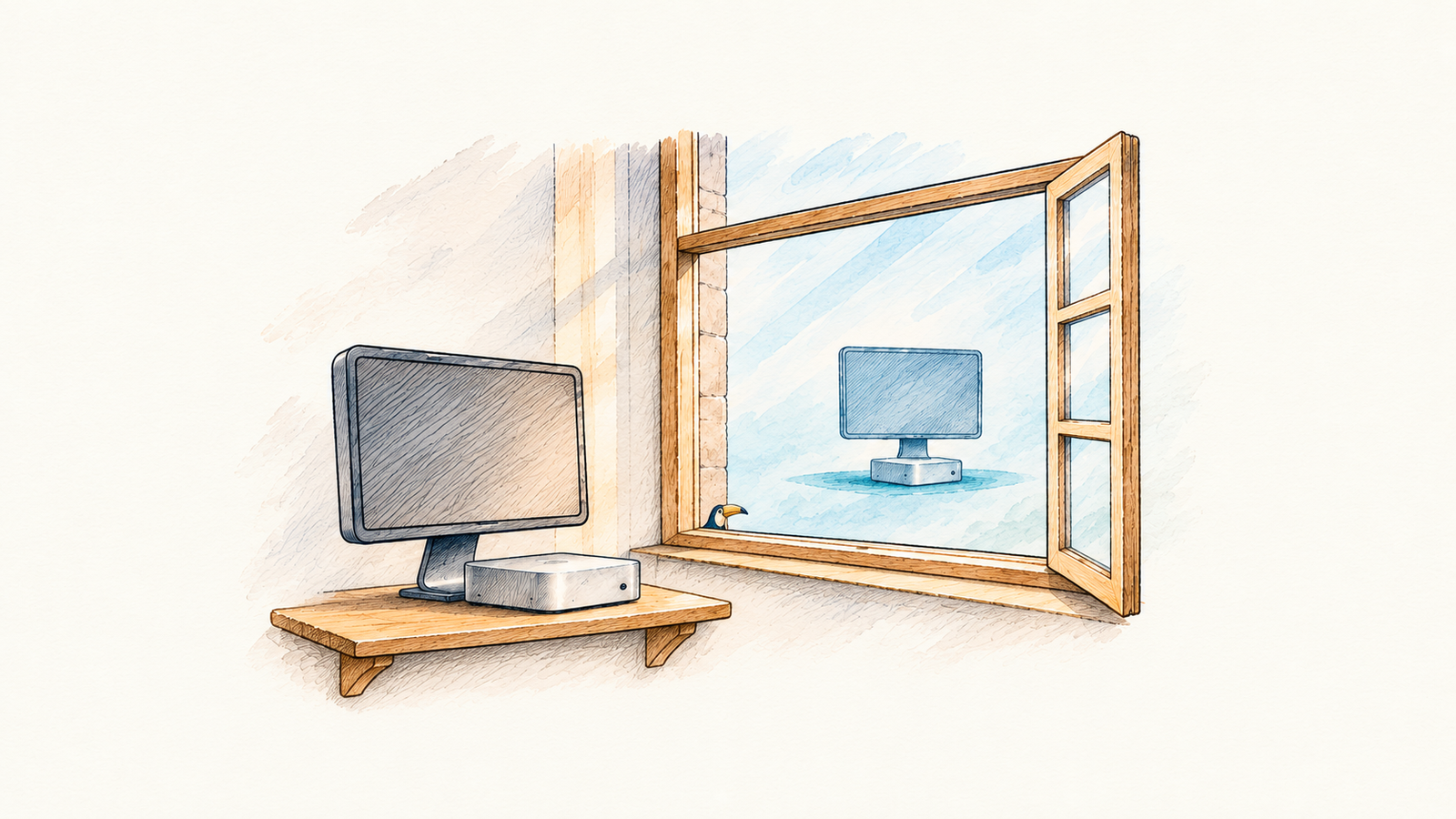
I’ve used dedicated Mac minis for agent work, alongside the cloud computers available through Dots and Codex. The Minis gave me access to my files and apps, and I could leave them working while I used my laptops for something else. But the cloud computers can also keep working when I leave my desk. I have not tested the same task in both places yet. Which of my tasks actually need a Mini running all day?
The three environments are easy to blur together. My dot has a cloud computer with its own files, software, and browser. It can research, work with documents, and use websites. It can keep state between periods of use, coordinate other tasks, and come back to work without my Mac being awake. Codex Cloud gives a coding task its own workspace with a repository and the tools configured for that work. My dot can start a task in a Codex cloud environment I’ve prepared, so asking the dot and running work in Codex Cloud can be parts of the same workflow. I can start or continue that task from another device while my Mac is asleep.
My website and the completed Pac-Man project give me more useful examples than an abstract comparison. The website has repository checks and bounded automated Chromium journeys that can run on a prepared cloud computer. Pac-Man has a small static build and Node tests that can travel with the source. Native Safari and physical-device review still need the matching devices. Pac-Man also has a full real-time campaign that takes about four and a half hours because it follows a fixed game clock. More processing power can give that run timing headroom, but it cannot shorten a valid real-time qualification run. I have not compared an identical build or qualified that full campaign in cloud.
For a self-contained repository task that runs cleanly in cloud, the Mac may add little. Codex can make a change, run the relevant checks, and leave me a result to review. The environment can be reused for another task. If the work is research or a website task my dot can do with its cloud browser and connected apps, leaving a computer running at home does not help simply because I am away.
Where the Mac matters is the environment it already holds. A cloud task does not inherit the files on my Desktop, the apps installed on my Mac, my signed-in browser, or access to my local network. Some of that can be recreated in the cloud, with deliberate setup and separate sign-ins. Some of it is the point of using the Mac. A task involving a native app, a local original asset, or a browser session I can only use there needs an available local computer and a tool that can actually reach what it needs. A dedicated Mini also gives me control over installed software and processes that need to stay in place between tasks.
That local access has conditions. For work sent through my dot to a connected Mac, the machine must be online and the ChatGPT app must be open. Locally started work has its own requirements for power, network access, and the software it uses. A Mac that is powered on but asleep, disconnected, waiting for an update, or sitting at a login prompt is not necessarily an available worker. Running it without a display removes a screen from the desk; it does not remove the work of managing the machine.
The cloud has limits of its own. My dot's browser has separate sign-ins, and some websites block cloud browsers or ask for extra verification. Codex Cloud currently supports code and commands, but its documented environment does not support general computer use. Its task workspace is useful for returning to a coding job, although the saved VM state has a default recovery window of up to seven days after the last turn or resume. Keeping the same local process available between tasks is something I can manage on a Mac, subject to its own interruptions. Neither cloud environment automatically becomes my Mac just because both can work while I am away.
I also cannot assume the Mac wins on cost because I already own it, or that the cloud wins because I do not see a separate machine. The comparison depends on which plan allowance a task uses, any billed cloud work, electricity, hardware, maintenance, and the time spent getting an environment ready. I have not measured those costs for equivalent tasks in this comparison. More importantly, a cheaper environment that repeatedly needs me to move files, restore a login, or recover a stalled task may cost attention at the wrong moment.
I want to test this with work I actually do. A website change could run in Codex Cloud and on a Mini from the same source revision. One browser or research task could run on my dot's cloud computer. I would also include a representative task from my job, within the access rules that apply there, to see whether the cloud has the tools and information it needs or whether a connected computer matters. A task that needs a native Mac app or a local asset could test whether the Mini has a role the cloud cannot reasonably fill. I also need to identify any process I expect to remain available between requests and see how it survives an interruption in each environment. For each test, I would record what finished, what needed intervention, what I could review afterward, and where the useful files ended up.
The Mini has a plausible role for work that genuinely depends on my local environment. I do not know yet how much of my work meets that test, or whether any of it needs a machine running all day. The useful question is whether a task needs this computer, or merely a computer that can keep working when I close my laptop.
This writing reflects my personal perspectives on product management, AI, and content discovery. It does not represent the official position of my employer or any affiliated organization.