Note
November 6, 2026
2 min read
Two microphones, one intention
By Cristiano Pierry

Two microphone controls offer the same intention through different systems, leaving the person speaking to choose between the app and the operating system.
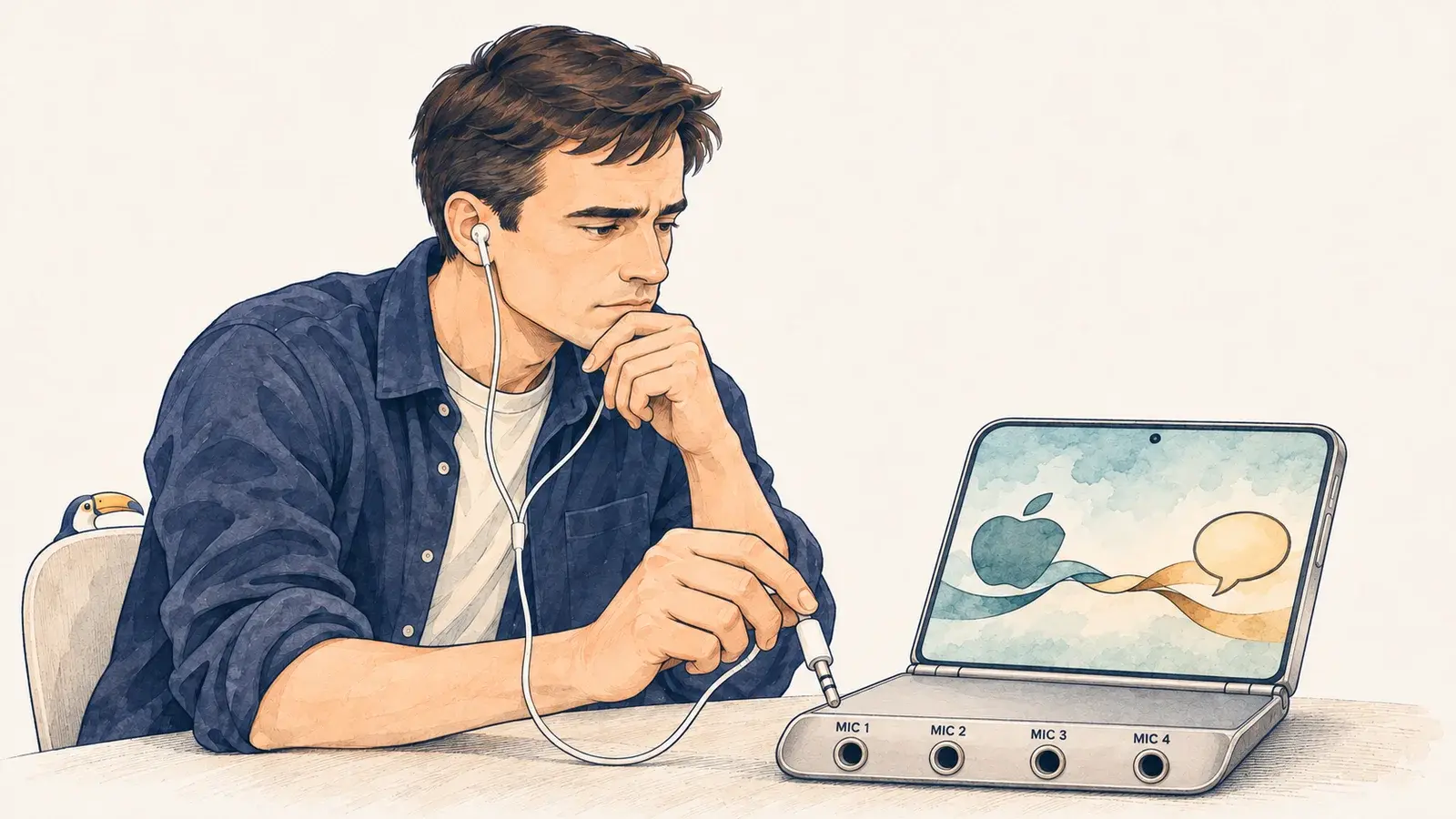
I noticed two microphone icons while using ChatGPT on my iPhone. One was in the message box. The other was at the bottom of the keyboard.
Both give me a way to speak instead of type. One belongs to ChatGPT; the other is Apple’s keyboard dictation. I’ve seen the same pattern in other apps.
It reminded me of an earlier period in computing. A file extension could determine which application opened when you clicked a document. Sometimes programs competed to become the default.
Then came browser toolbars, each with its own search box. You could end up with several toolbars in the same browser, each offering a way to search the web.
I wonder if the microphone is becoming the 2026 version of the search box. I want to dictate a message, but the interface asks me to choose between the app and the operating system before I start speaking.
There are legitimate reasons for both controls. Keyboard dictation works across apps, while an app can offer a voice experience of its own. But having a reason for each button doesn’t make the combined experience clear.
As voice becomes more common, these overlapping controls may become harder to ignore. The more natural we want it to feel to talk to our devices, the less we should make people figure out which microphone to use.
This writing reflects my personal perspectives on product management, AI, and content discovery. It does not represent the official position of my employer or any affiliated organization.