Projects
Preparing the portfolio shell before the interactive work loads.
Preparing the portfolio shell before the interactive work loads.
Early prototype · Tasks and development backlogs
Infinite Queue, or IQ, keeps everyday to-dos and development backlogs in one place for you and your connected agents. It stores the task, who is working on it and the evidence reported along the way.
IQ is an early prototype. Each account has private lists and projects. Your agents bring their own models and tools; IQ makes no model calls and does not start or schedule agents.
User manual
You can use IQ in the browser. To work through an agent, you also need a supported agent client and a separate connection. Creating an account alone does not connect an agent.
If the account, list or result differs from what you expected, stop and resolve that mismatch before importing or changing real tasks.
A to-do list is for ordinary tasks: add notes or a deadline, complete an item, reopen it or remove it. Removed tasks can be restored. Ask your agent to show the result after a change.
A project backlog gives software work a clearer definition. Describe the problem, intended outcome, scope and acceptance criteria. Add real dependencies and explain blockers. Tasks, bugs and features can be ordered by priority.
For a hypothetical project filter, an acceptance criterion might be: “Selecting a project shows only its tasks; clearing the filter restores the list and preserves sorting.” Ask the agent to identify missing decisions before implementation.
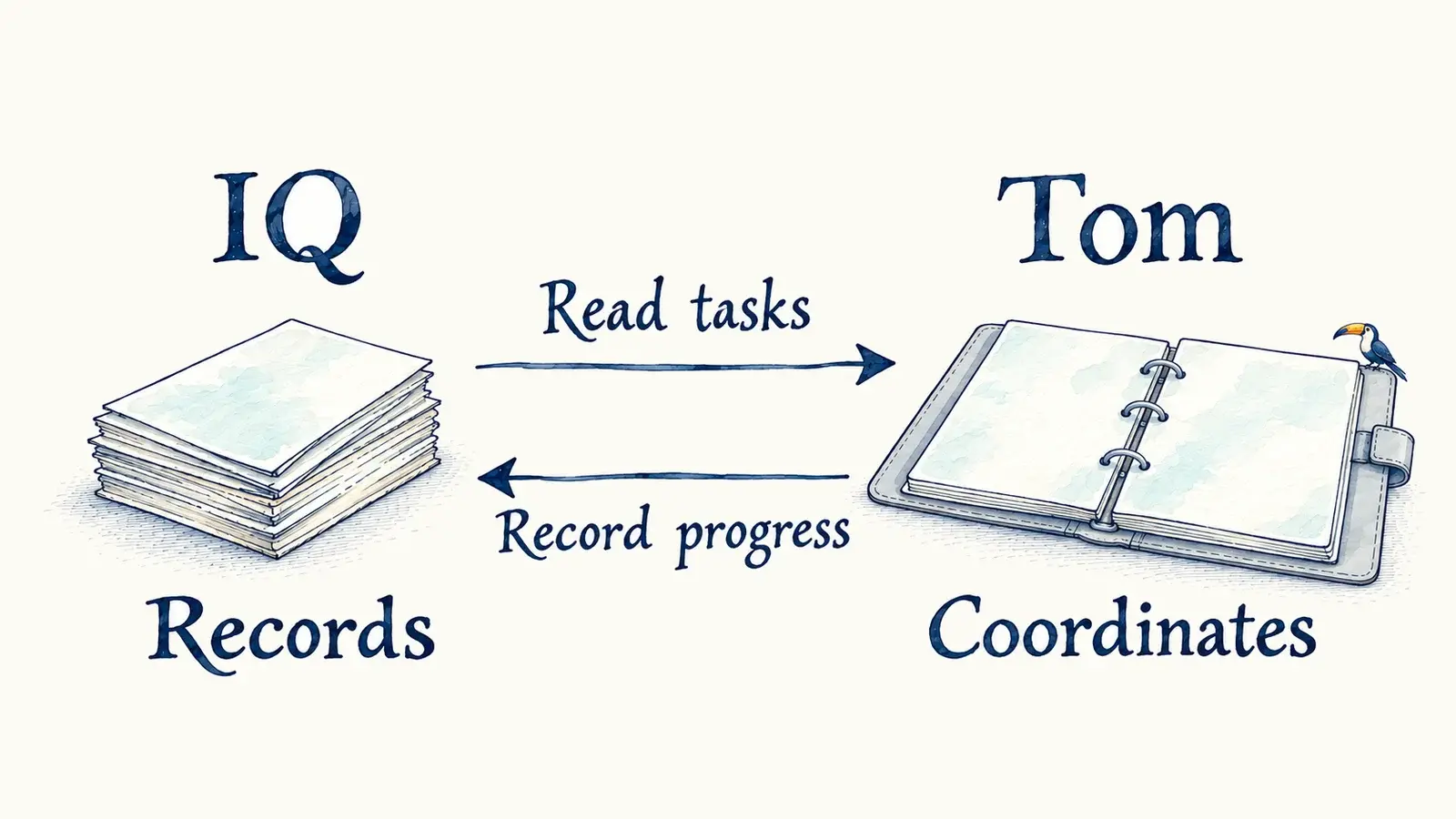
IQ supplies the shared record for your connected agents. An external coordinator such as Tom can use that record to plan work. IQ itself does not perform the implementation.
Draft means project work is still being defined. Ready means it is prepared for selection. An agent claims eligible work before implementing it and reports progress or a blocker. A Ready label does not approve a merge or deployment.
A project task marked Done has submitted completion evidence. IQ does not independently inspect a deployment or prove that the reported evidence is true. Read the task’s delivery details when you need to know whether code was checked, merged or verified in production.
Connection permissions determine whether an agent can read or change tasks and which lists it can reach. Existing connections do not gain new permissions automatically. You can revoke access in Settings. Other accounts cannot read your private lists; sharing a backlog with agents connected to your account does not create a shared list across accounts.
Account management, feedback and account-deletion requests have separate permissions. Share feedback only when you intend it to reach the product team. Permanent account deletion requires your confirmation in the app; deleting one task is recoverable.
Imports should arrive in small, checked batches. Keep the original list until you have verified the imported tasks. Private task data is not available offline through the installable web-app shell.
For connection help, use the IQ agent guide. If you run your own instance, its operator owns hosting, database setup and recovery. This manual covers using a configured instance.
Tasks and coordination have different jobs.
Meet Tom orchestrator →