Projects
Preparing the portfolio shell before the interactive work loads.
Preparing the portfolio shell before the interactive work loads.
Local orchestration prototype · In development
Tom coordinates software work from a request through planning, implementation, checks and review. It keeps the task, the proposed change and the evidence for the next step connected. You define the outcome and make the product decisions.
The shared configuration starts in planning mode, with dispatch disabled and no recurring service installed. Execution and release depend on installation-specific configuration and authorization. This page is a project guide; a public hosted Tom demo is not available here.
User manual
This guide assumes an operator has configured Tom’s dependencies, sign-in, IQ access and project integrations. Ask the operator which stages this installation enables and where to open its dashboard. A source checkout alone does not establish a working installation.
Tom is the coordinator. Descriptive specialist names identify responsibilities: pm-agent defines the problem, designer-agent shapes the experience, architect-agent addresses technical structure, developer-agent implements, tester-agent checks behavior, reviewer-agent independently reviews and release-agent coordinates authorized delivery. Researcher-agent investigates a bounded question. These names do not mean every specialist is always running.
UX changes need a design brief. Eligible, authorized implementation uses an isolated working copy to protect other work. Configured verification commands and independent review examine the proposed change; design acceptance and functional QA add the evidence required by the task. A failed or unavailable requirement holds delivery.
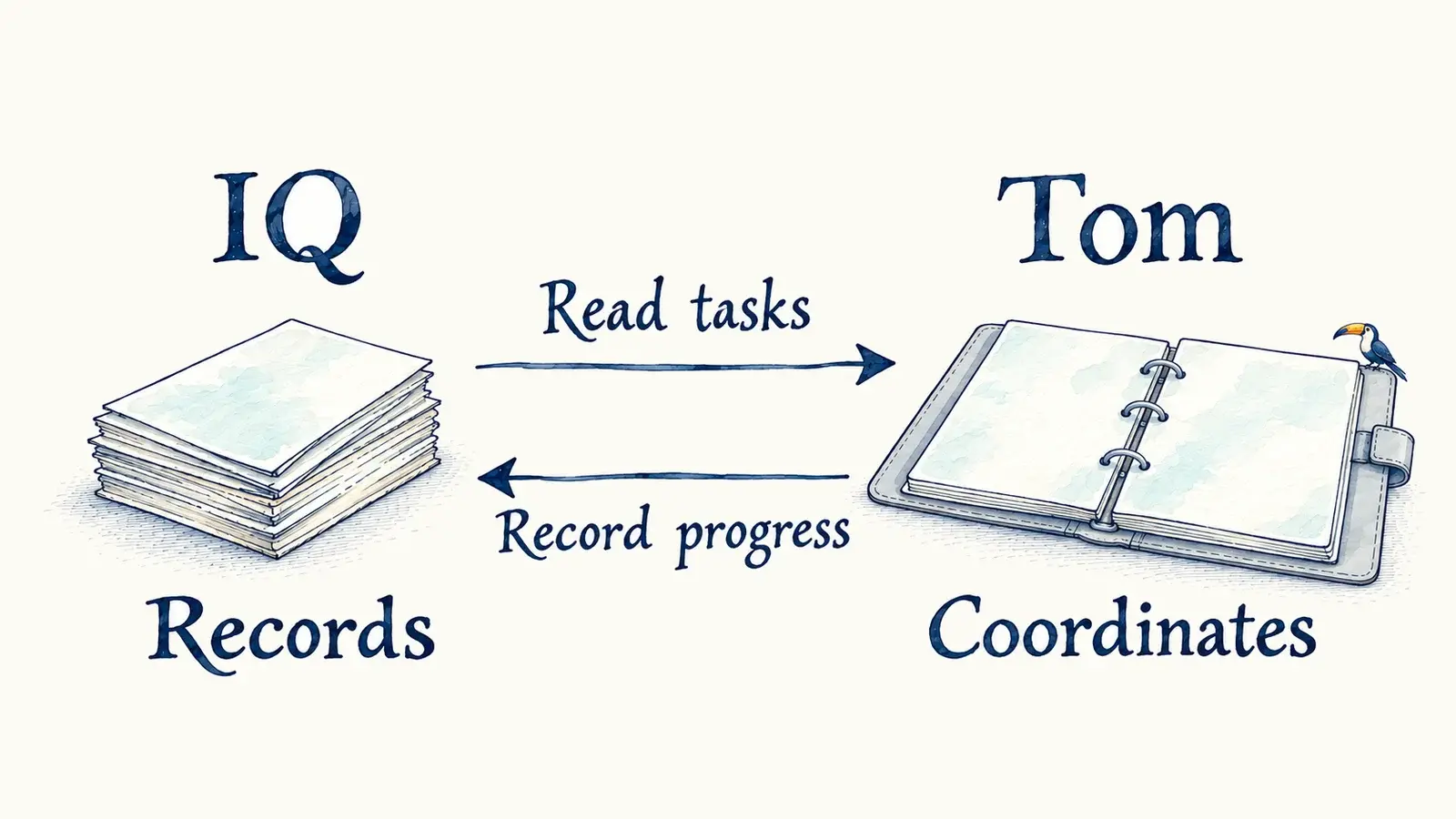
IQ remains the task queue. Code and pull requests live in GitHub; tools on the configured computer perform the work. The dashboard brings observations together. Release, when separately enabled and authorized, follows the project’s existing process and needs production verification of the exact deployed artifact.
In the dashboard, Home shows current focus and requests. Tasks and Activity lead to those sections. Needs attention shows the problem, recommendation, owner and recorded human question. Agents explains the roles. Expand Results and evidence for checks, reviews and technical details.
Ready to start means prepared for selection, subject to dependencies, capacity and authority. In progress may include waiting for another step. Needs attention calls for investigation or a decision; read the question and accountable owner.
Ready to release describes a deployable, merged task with recorded check, review and merge evidence. Live describes a deployment record with production identity and verification. Freshness is shown separately. Source checks alone do not establish that a feature is live.
Select the intended loop and check observation times. Refreshing the page alone does not refresh IQ; a configured bounded refresh can. Simulation uses labeled fictional tasks. An animated dashboard is not proof that a worker is running.
Answer a human question with the task and your choice. Tom should investigate engineering failures before asking you for a product decision or uncovered permission. Task text and status changes do not grant authority. If dashboard requests are enabled, Queued locally means saved for relay and Delivered means chat delivery was acknowledged. Neither means the task is complete.
Ask Tom to reconcile the IQ task, current attempt, proposed change and failed requirement. Ready work may be waiting on a dependency, capacity, required metadata or authorization. Retained candidates preserve work for recovery. Silence does not prove a worker stopped; ownership and processes need reconciliation before reassignment.
For stale dashboard data, check the selected loop, source and observation time, then ask the coordinator for a fresh observation. For uncertain request delivery, reconcile the existing request before retrying. An operator should investigate integration or setup failures.
Automatic cross-computer failover is unavailable. The repository does not establish a verified live deployment-provider setup. Confirm the enabled and exercised stages of your installation with its operator.
From the configured orchestrator checkout, run a planning pass and start the local dashboard. Supply the same private configuration to both commands when your installation needs it.
npm run schedule:plan
npm run monitor
Use the local address printed by the monitor. Stop its foreground process with Ctrl-C. The offline introduction is npm run monitor:sim. Installation and release setup remain in the source project’s existing documentation; these commands do not enable dispatch or install a background service.
Tasks and coordination have different jobs.
Explore Infinite Queue →