Article
August 18, 2026
3 min read
How I Build Presentations with Codex and Other Frontier Tools
A generated deck should be designed for the next human edit, from the number of objects on a slide to the template, notes, and companion versions around it.
By Cristiano Pierry
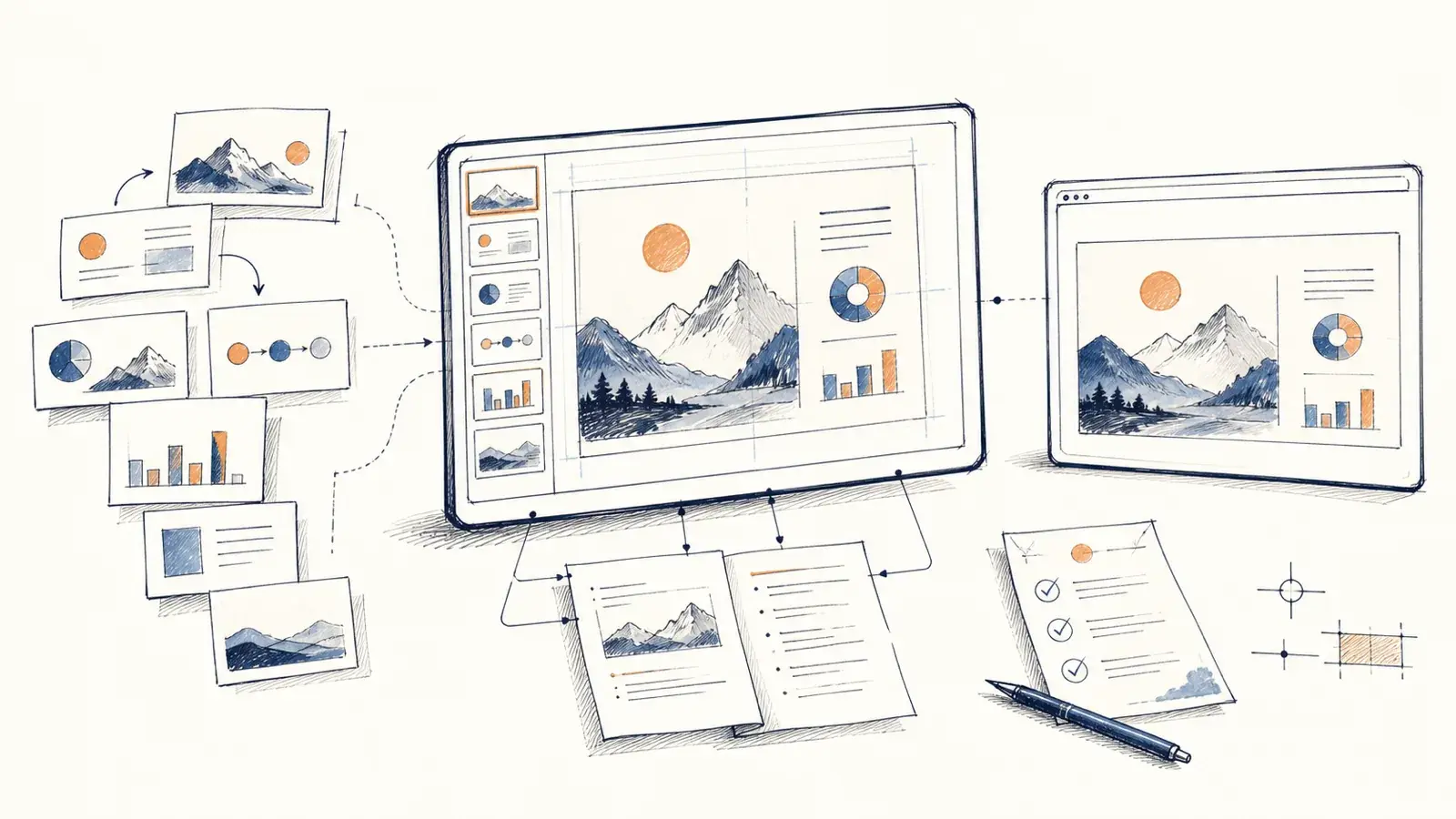
I opened a PowerPoint I was reviewing and tried to move one bullet. The bullet had its own text box. So did every other bullet, line, and shape on the slide.
The page looked fine. Editing it meant selecting and moving dozens of separate objects.
That has become one of the first things I check in an AI-generated presentation. The model may have reproduced the appearance of a slide without understanding that a person will need to reorganize it tomorrow. A deck that is difficult to edit is not finished, even when it looks finished.
I now put the next human edit directly into the prompt. Simon Leadlay took that advice further after our conversation. He supplied the source document and the actual PowerPoint template, named the layouts the tool was allowed to use, specified the level of detail, removed the tool's internal section labels, and added a footer showing where and when the deck was generated.
His additions turn my editing instruction into a more complete slide-generation prompt. I’ll return to the prompt at the end because the useful part is the operating contract around the artifact.
My longer presentation work now follows the same principle at a larger scale. The current version of my 60-minute Brown Bag presentation is PowerPoint version 101. It has 35 slides and a speaker note for every slide. The same talk also exists as a narrative page and an HTML deck.
Version 101 sounds excessive until one idea changes late. The wording may appear on a slide, in its notes, and on the web. Moving the slide can affect numbering or the surrounding story. Fixing only the PowerPoint leaves the other versions behind.
Codex is useful here because it can inspect the files around the presentation, not only generate slide content. It can trace where an idea appears, update repeated elements, transfer notes, preserve numbered versions, and run checks against the result. Other frontier tools can support the same workflow when they can work with the editable source and follow explicit constraints.
The checks catch mechanical failures that are easy to miss during a long revision. In the Brown Bag project, they inspect the PowerPoint package, slide numbering, hyperlinks, typography, footer placement, and header geometry. The handoff also requires opening the exact file in PowerPoint from a clean launch. A valid package is not enough if the application repairs it or renders it differently.
None of those checks can decide whether the talk is good. They cannot tell me whether the opening earns attention, whether a page asks the audience to read while I need them to listen, or whether I have tried to fit four conclusions into the final minute. That review still belongs to the person presenting.
When I review the next generated deck, the first thing I will test is not whether the slide looks finished. I will try to move a bullet.
Reusable prompt
Here is the compact version with placeholders. It is designed to be copied as a starting point and adapted to the source document and template.
[REFERENCE OR ATTACH THE SOURCE DOCUMENT HERE]
[REFERENCE OR ATTACH THE CORPORATE POWERPOINT .POTX TEMPLATE HERE]

Create a new slide deck from this material.
Use the referenced corporate PowerPoint template as the only source of slide layouts, fonts, colors, logos, brand images, and slide-master styling.
Use the slide layout named "[TITLE SLIDE LAYOUT]" for the title slide.
Use the one-, two-, or three-column slide layouts named "[ONE-COLUMN LAYOUT]", "[TWO-COLUMN LAYOUT]", and "[THREE-COLUMN LAYOUT]" for the main content slides. Choose among them based on the material on each slide.

Include enough detail to preserve the important information from the source document. Do not make the deck sparse merely to simplify the layout.
Before producing the final result, remove any internal sections the generation tool created, such as "Hero" or "Agenda Layout," while retaining the slides.

Add this footer to every slide:
"CAUTION: Non-authoritative deck auto-generated from [SOURCE FILE NAME] on [TODAY'S DATE]."
Replace [SOURCE FILE NAME] with the supplied source filename and [TODAY'S DATE] with today's date in ISO-8601 format: YYYY-MM-DD.

Design this presentation for human editing after generation. Minimize the total number of objects on each slide.
Use a single text box for all bullets within the same list. Do not create one text box per bullet or per line.
Each logical section (title, subtitle, body, footer) should be contained in a single editable text component whenever possible.
Do not split paragraphs across multiple text boxes.
Only create separate objects when they represent independent visual elements (images, icons, charts, callouts, tables, etc.).
The presentation should remain easy to reorganize in PowerPoint by moving a small number of grouped components rather than dozens of individual objects.
This writing reflects my personal perspectives on product management, AI, and content discovery. It does not represent the official position of my employer or any affiliated organization.